Marketing-ready device mockups, by API
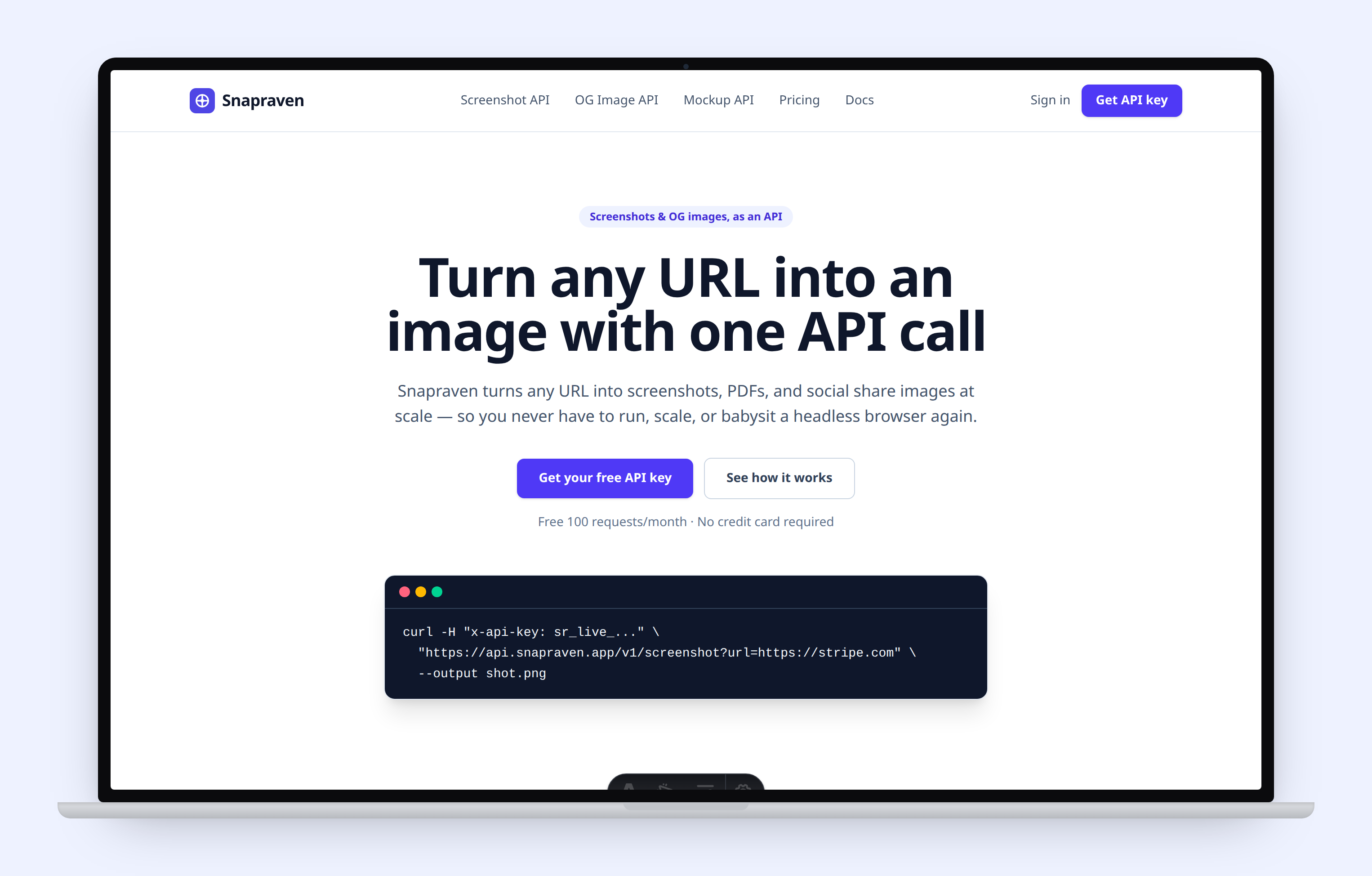
Wrap any URL in a browser, MacBook, or phone frame with a single request. Perfect for landing pages, launches, app stores, and client decks — generated automatically, no design tool needed.
Quickstart
One POST request returns a ready-to-use PNG:
curl -X POST https://api.snapraven.app/v1/mockup \
  -H "x-api-key: sr_live_..." \
  -H "Content-Type: application/json" \
  -d '{"url":"https://yoursite.com","frame":"macbook"}' \
  --output mockup.png
Frames
| Frame | Description |
|---|---|
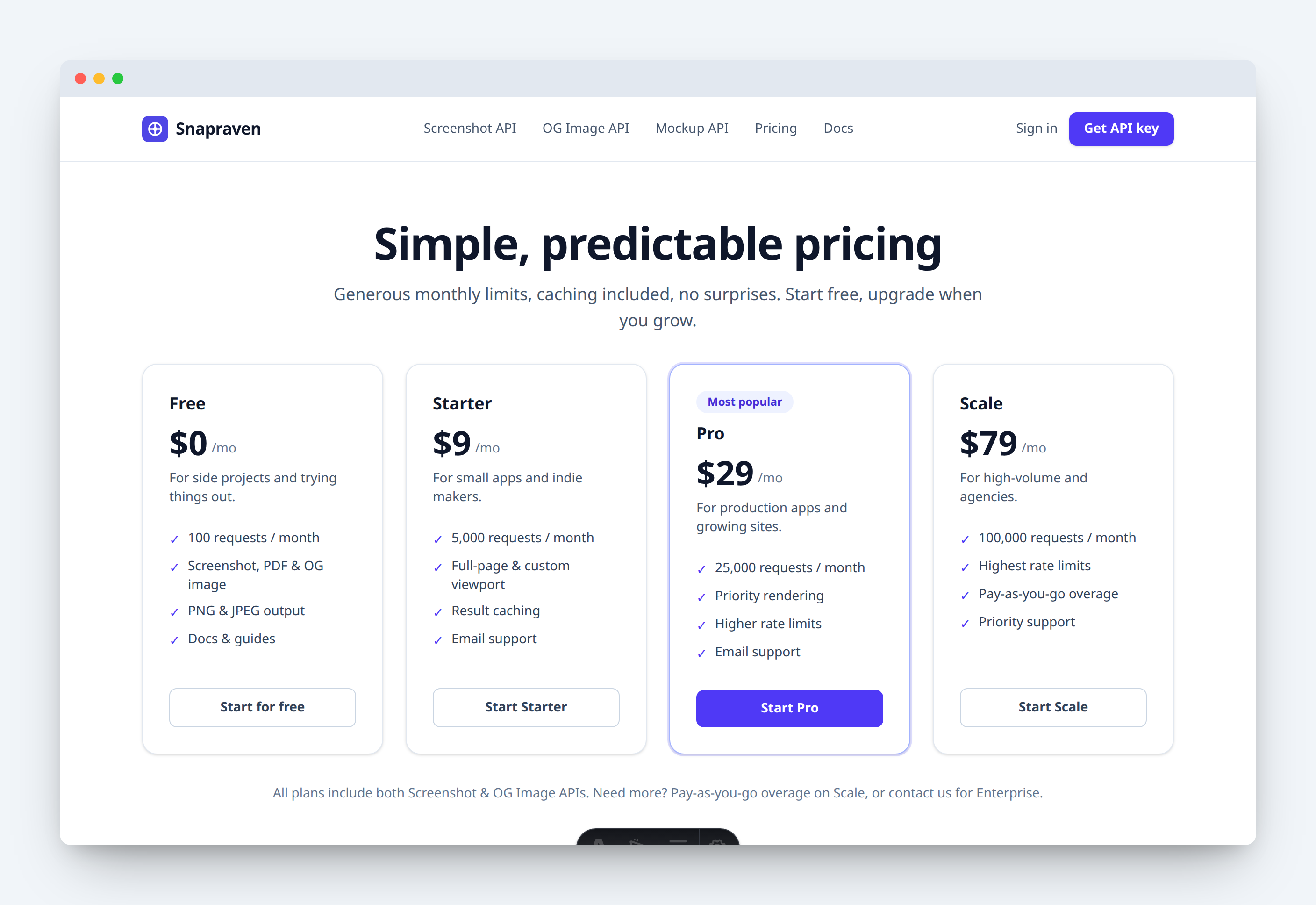
| browser-light | Light macOS-style browser window with traffic lights. |
| browser-dark | Dark browser window — great on light backgrounds. |
| macbook | Laptop body with bezel, camera and hinge. |
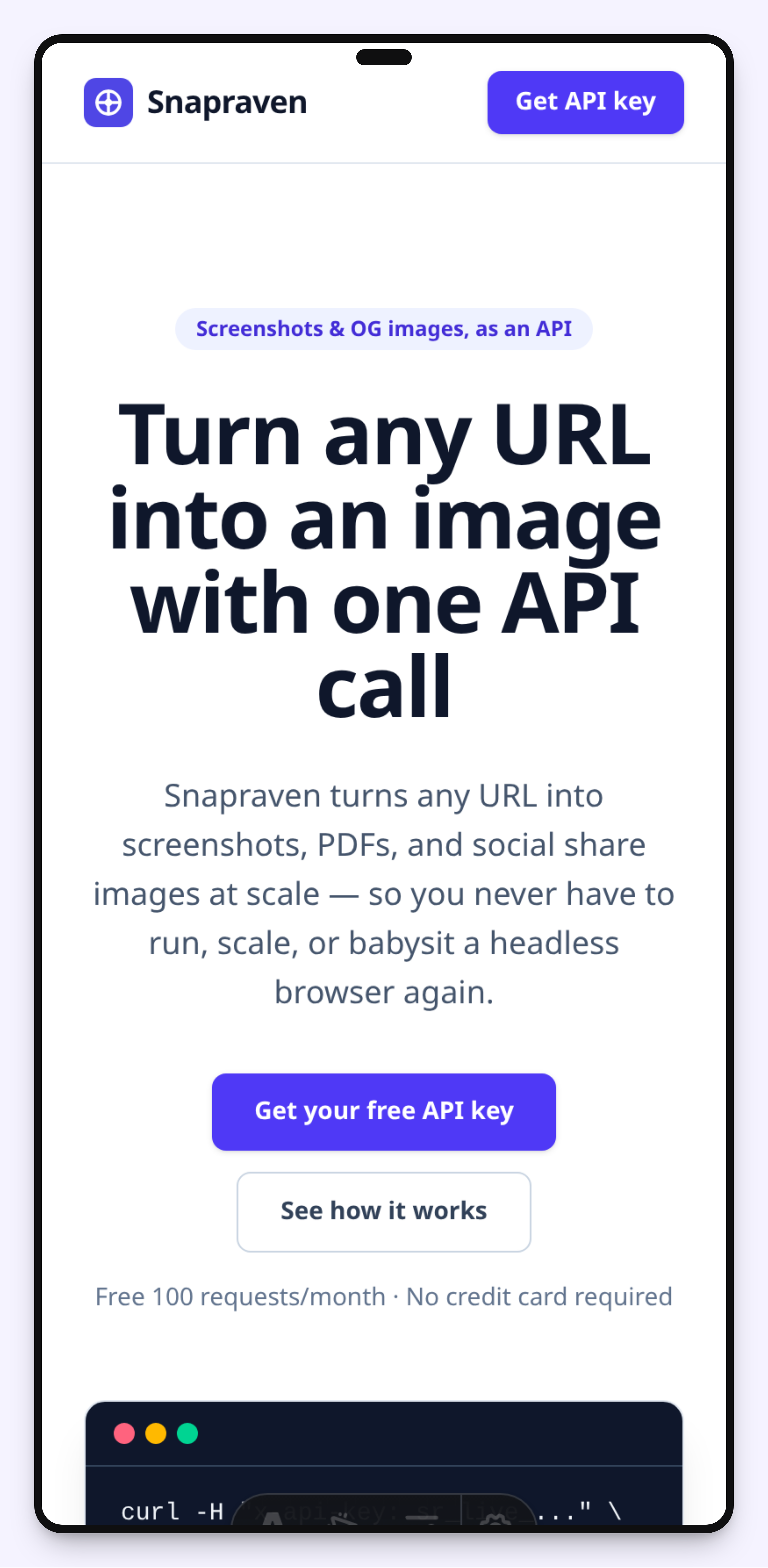
| phone | Modern phone with rounded bezel and dynamic island. Use a mobile width. |
| plain | Just rounded corners and a soft shadow — no chrome. |
Parameters
| Parameter | Description |
|---|---|
| url | The page to screenshot, then frame. Provide url OR image. |
| image | Frame an existing image instead: a data: URI or public image URL. |
| frame | browser-light, browser-dark, macbook, phone, or plain. Default browser-light. |
| width / height | Source capture size. Use a mobile width (e.g. 390) for the phone frame. |
| background | Scene background: any CSS color/gradient, or "transparent" (PNG). |
| padding | Space around the frame, in pixels. Default 64. |
| shadow | Drop shadow under the frame. Default true. |
| format | png or jpeg. Default png. |
FAQ
What is this for?
Turn any website into a polished marketing visual — for landing pages, Product Hunt launches, app store shots, social posts, and client decks. No design tool, no manual cropping.
Do I need to upload a screenshot?
No. Pass a url and Snapraven captures it for you, then wraps it in the frame. Already have an image? Pass it as image instead.
Can I get a transparent background?
Yes. Set background to "transparent" and keep format png — you get an RGBA image you can drop onto any design.
How do I make a phone mockup?
Use frame=phone with a mobile width such as width=390&height=844 so the capture is portrait and fills the screen.
Is it on-brand?
Set a background color or gradient that matches your brand once, and every mockup comes out consistent.